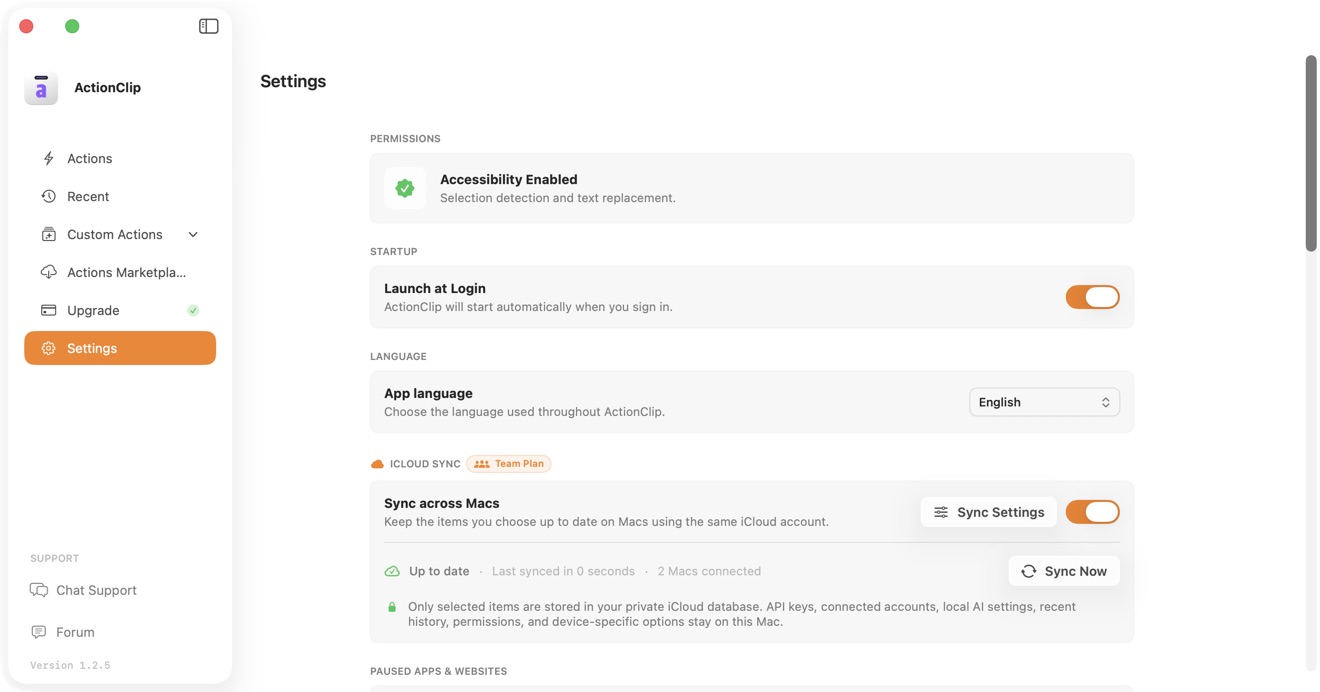
ActionClip supports 19 interface languages. Language names stay in their native form so the menu remains usable even when the current interface language is unfamiliar.
Available languages
- English
- Français — French
- 日本語 — Japanese
- Italiano — Italian
- Русский — Russian
- Português (Brasil) — Brazilian Portuguese
- Español — Spanish
- Deutsch — German
- Nederlands — Dutch
- Dansk — Danish
- 한국어 — Korean
- Polski — Polish
- 简体中文 — Simplified Chinese
- 繁體中文 — Traditional Chinese
- Slovenčina — Slovak
- Türkçe — Turkish
- Українська — Ukrainian
- Tiếng Việt — Vietnamese
- Svenska — Swedish
Change the language
- Open ActionClip → Settings.
- Under Language, open App language.
- Choose a language.
- Select Restart ActionClip to apply it everywhere.
What changes
The selection applies to the floating widget, result windows, menus, onboarding, Settings, permission guidance, and other ActionClip interface text.
App language and Translate are different
App language changes ActionClip's interface. The Translate action has its own target-language setting and supports a wider set of language pairs. See Translation Language Support.
Troubleshooting
- If some text has not changed, restart ActionClip from the Language section.
- If an action name remains customized, rename it manually; user-created names are not translated.
- To return to the default interface, choose English and restart.