ActionClip Guides
Use ActionClip your way.
Practical walkthroughs for Screenshot OCR, keyboard control, action shortcuts, widget customization, AI providers, privacy, sync, and selected-text workflows on Mac.
Submit Your Action to the Marketplace
Prepare a reusable custom action, send it for review, and track its status in My Submissions.
Capture Text with Safe Screenshot OCR Mode
Enter screenshot mode explicitly, select a region, and edit or copy the recognized text without a hold-and-drag gesture.
Review, Edit, and Replace Action Results
Choose result behavior, resize the popup, correct text, and copy, replace, speak, or save the current result.
Choose Online or Local Voices for Say
Understand Edge voice defaults, spoken-text privacy, automatic voice selection, and local fallback.
Create QR Codes and Save Links from Selected Text
Explore the new QR action and save destinations, search the whole directory, and import shared actions safely.
Capture Text with Screenshot OCR
Capture text anywhere on screen, recognize it locally with Apple Vision, and copy, review, or hear the result.
Set Up the Paste Widget and Saved Snippets
Choose paste actions, preview the Paste widget, and manage reusable text snippets in one settings section.
Translate Text and Choose Better Speech Voices
Set translation direction, check offline language packs, and choose voices for Speak and translated audio.
Manage Actions, Groups, Shortcuts, and Icons
Order actions and groups, assign global shortcuts, restore built-ins, and customize names, icons, and display styles.
Use ActionClip Entirely from the Keyboard
Open and navigate the widget, search More, enter group menus, and assign global shortcuts to individual actions.
Share Selected Text with AirDrop and Messages
Send text and links to nearby Apple devices or a saved Messages recipient.
Redeem Your ActionClip Gift
Download and install ActionClip, then activate the lifetime license from your gift email.

Sync ActionClip Across Your Macs
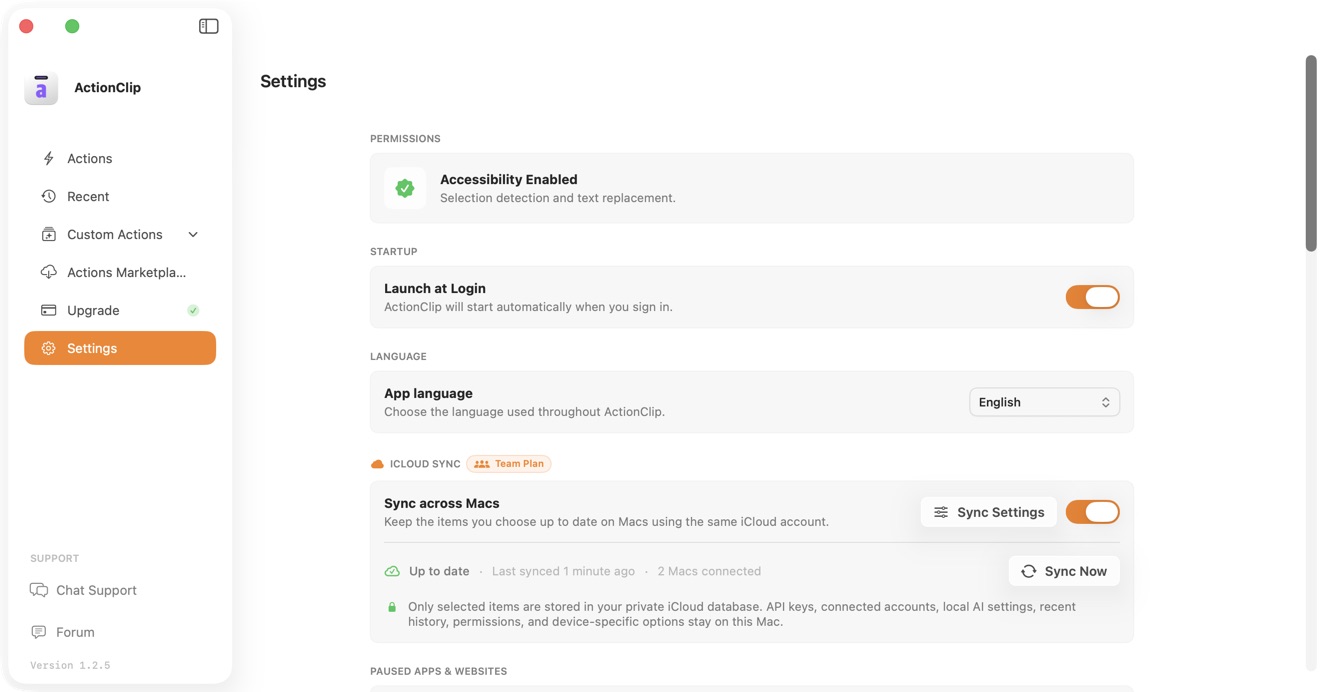
Choose which actions, Groups, settings, and optional encrypted provider keys stay consistent with an eligible multi-Mac plan.
Run Apple Shortcuts from ActionClip
Add an existing shortcut, pass selected text into it, understand the loading and completion states, and use Show Content when you want a visible result.

Choose an AI Source for ActionClip Actions
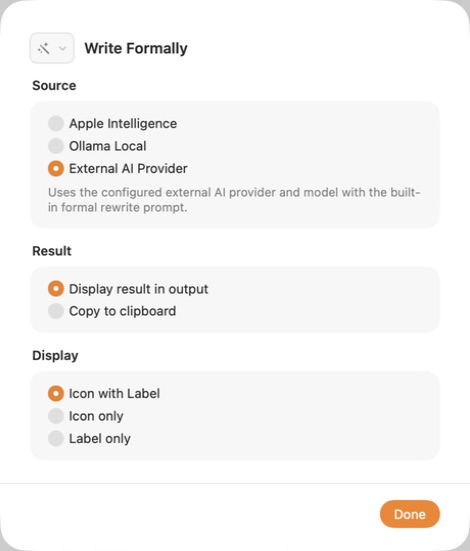
Compare Apple Intelligence, Ollama Local, and External AI Provider for the built-in writing actions.
Connect OpenAI to ActionClip
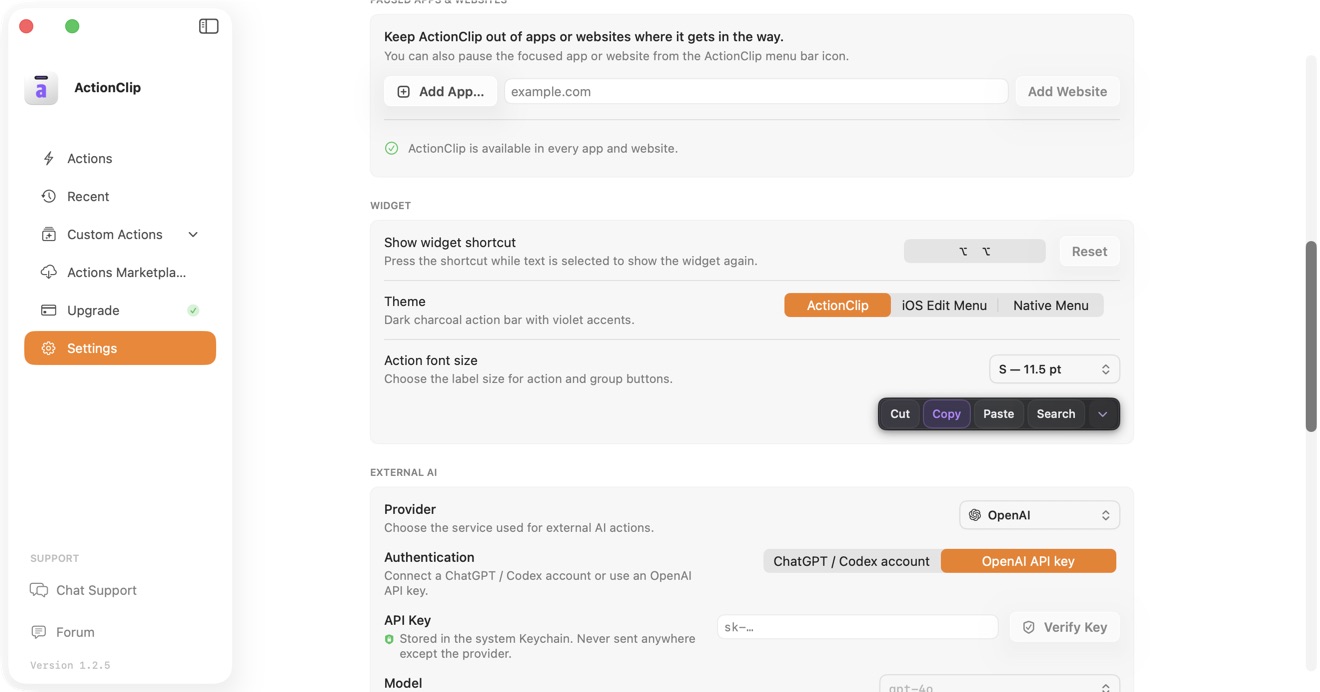
Use a ChatGPT account or an OpenAI API key, then choose an available model.
Set Up Ollama Local in ActionClip
Connect a localhost Ollama server and use a downloaded model for AI actions on your Mac.
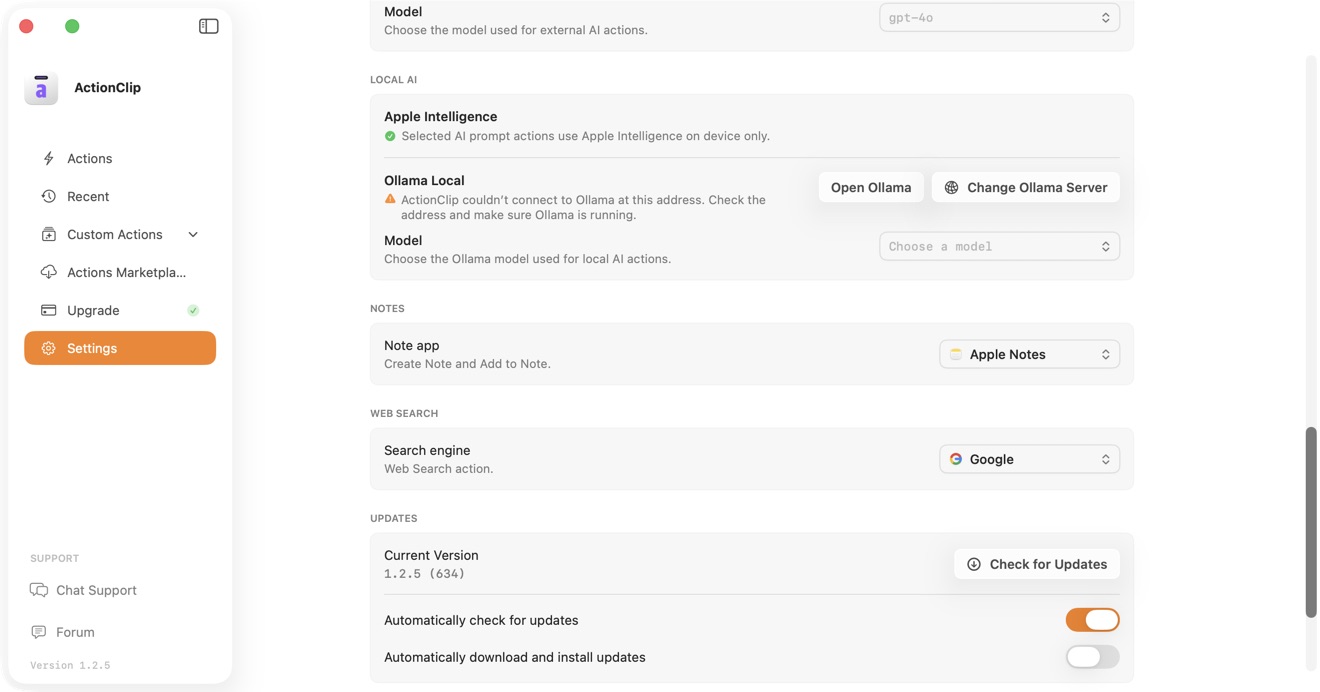
Connect an External AI Provider
Connect Gemini, OpenAI, Claude, OpenRouter, or Ollama Cloud with your own credentials.
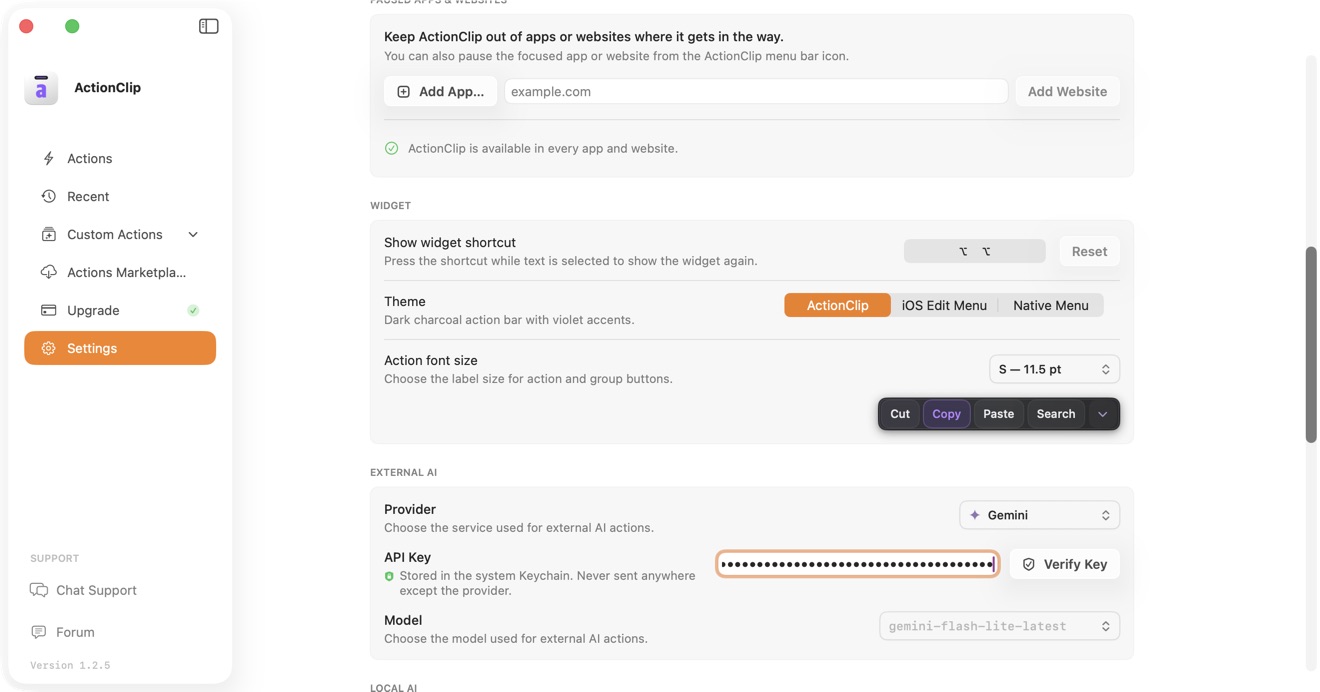
Online Actions and Privacy in ActionClip
Understand when selected text stays on your Mac and when an action sends it to an external destination.
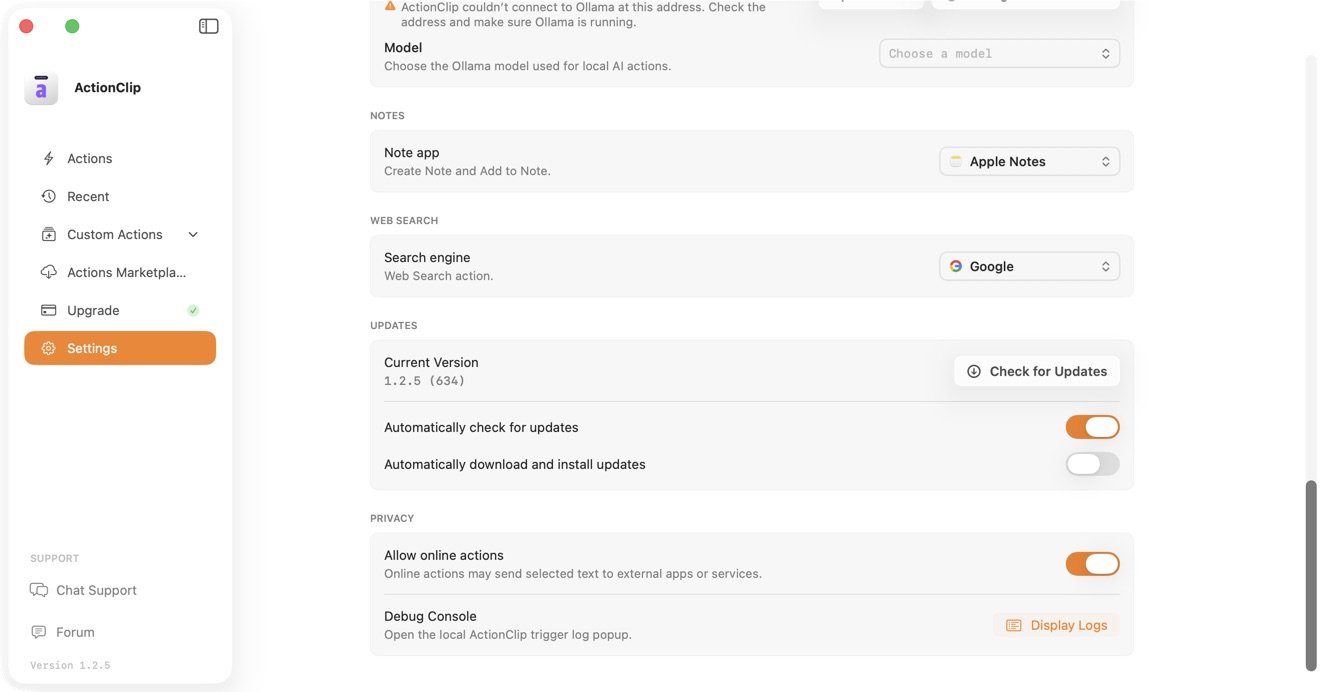
Share ActionClip Debug Logs with Support
Enable the local Debug Console, reproduce an issue, copy the useful logs, and share them safely when chat support asks.
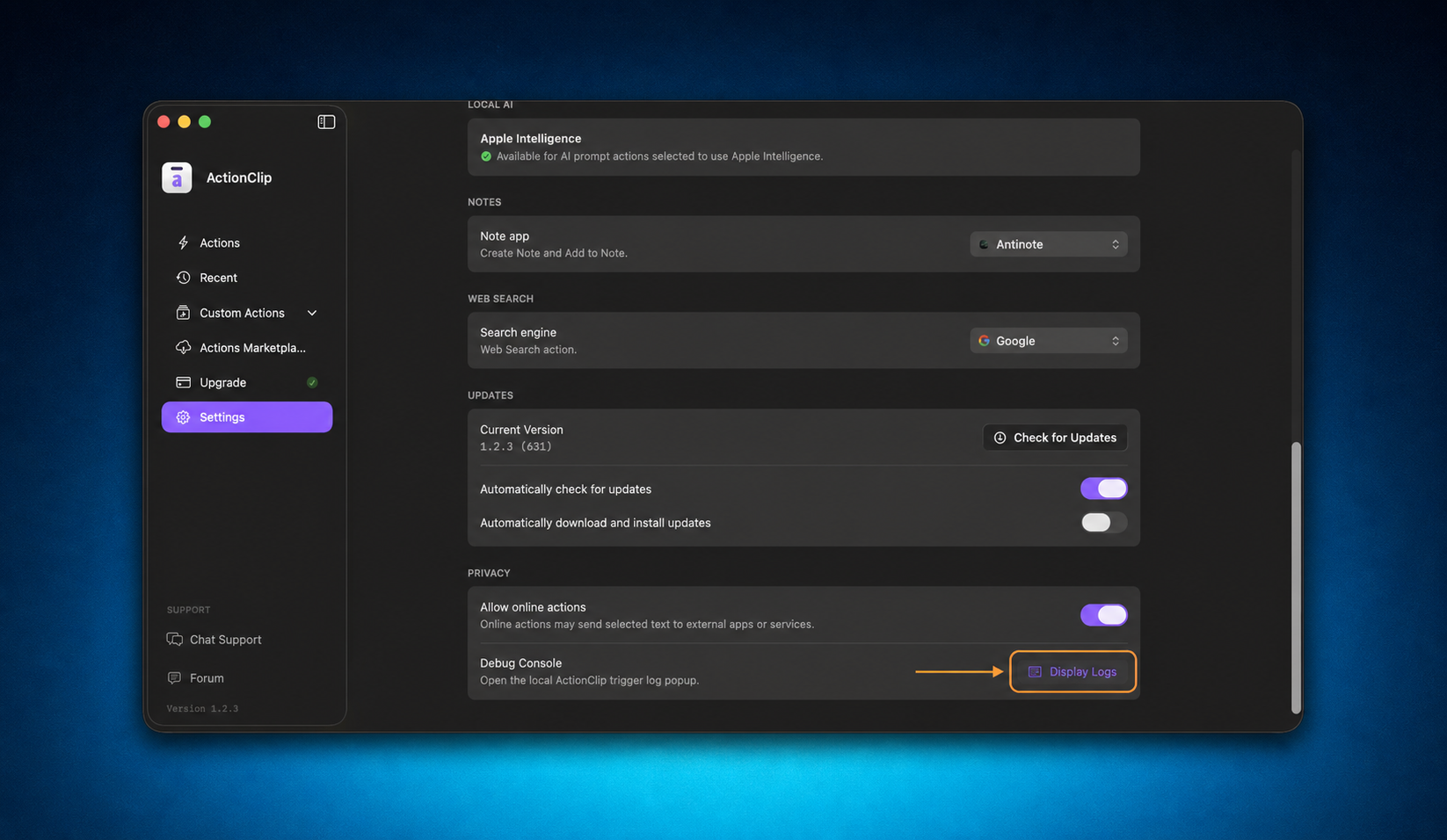
Customize Your ActionClip Widget
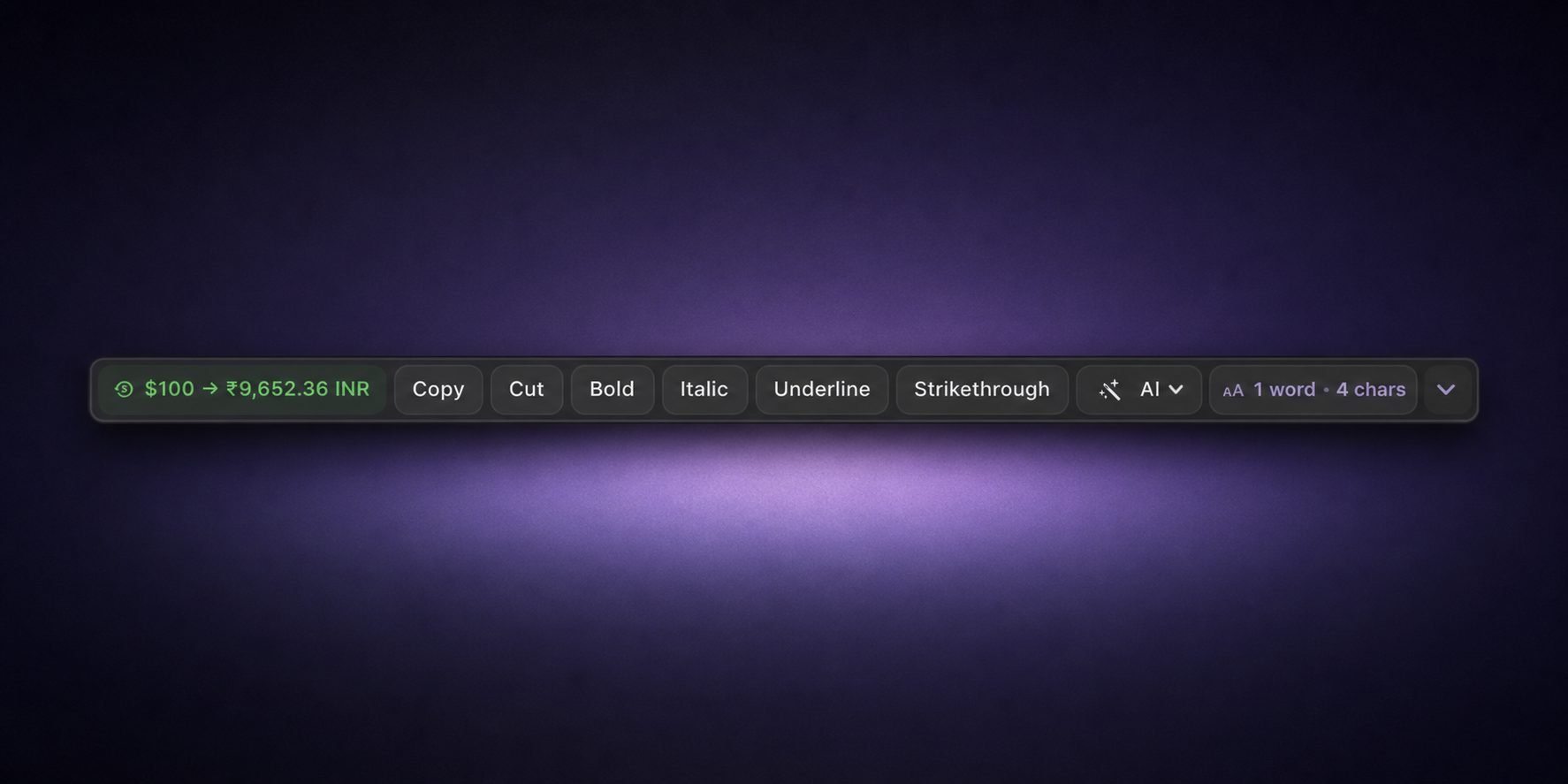
Order actions and groups, choose when the widget opens, navigate it from the keyboard, adjust its appearance, and preview your setup.
Change the ActionClip App Language
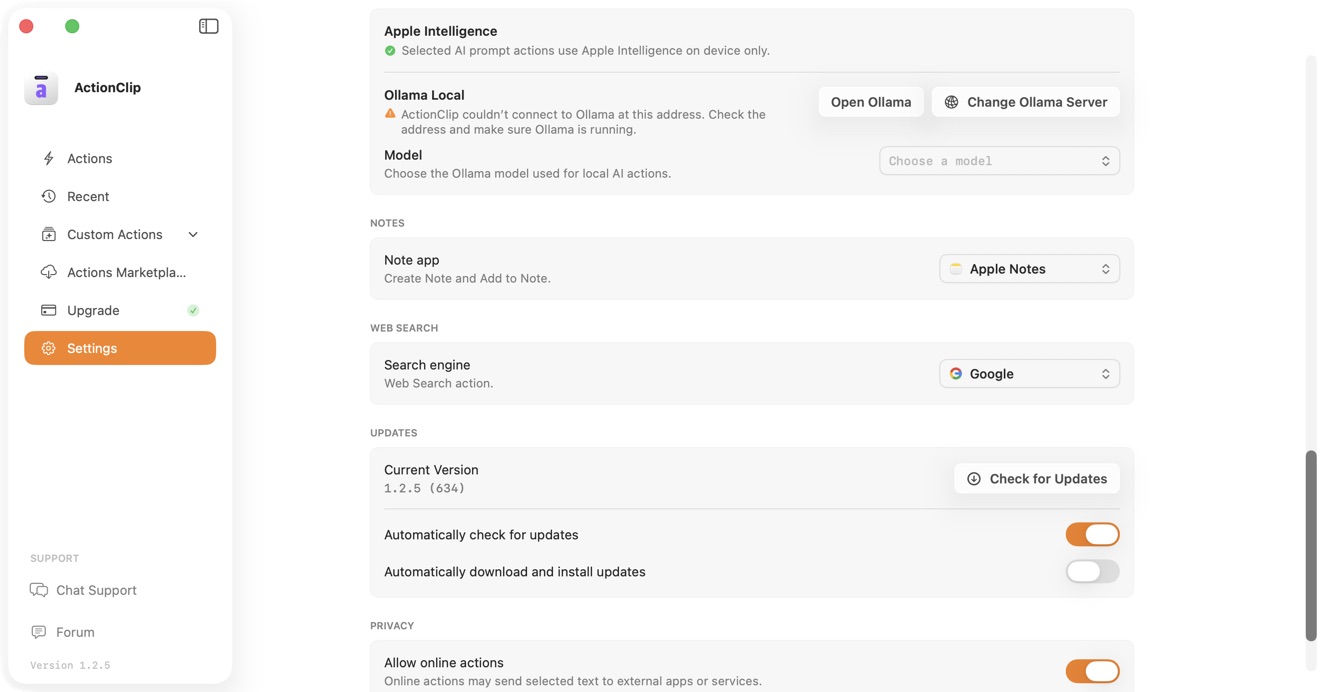
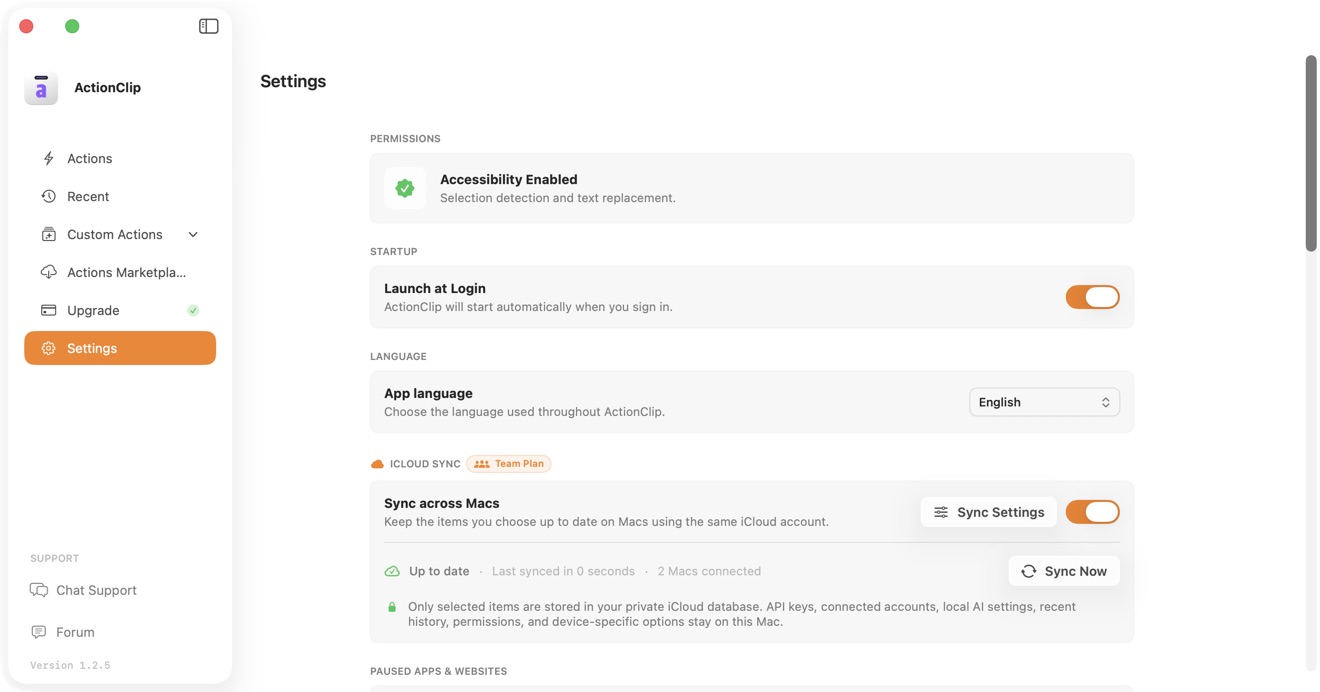
Choose from 19 interface languages and restart ActionClip to apply the selection everywhere.
Update ActionClip on Your Mac
Check manually, control automatic notifications, and decide whether downloads and installation happen automatically.