
Best forSingle misspelled words
ResultUp to 3 corrections
InternetNot required
What Spelling does
The action uses the system spell checker, so the selected word and correction lookup stay on your Mac.
How to use it
- Select one misspelled word.
- Choose a suggested correction from ActionClip's leading spelling chip or open Spelling.
- ActionClip replaces editable text or shows the correction safely for read-only text.
Example
Selected word
recieve
Suggestion
receive
Settings
Open the action's settings from:
ActionClip Settings → Actions → Auto Suggestions → Spelling Suggestions → gear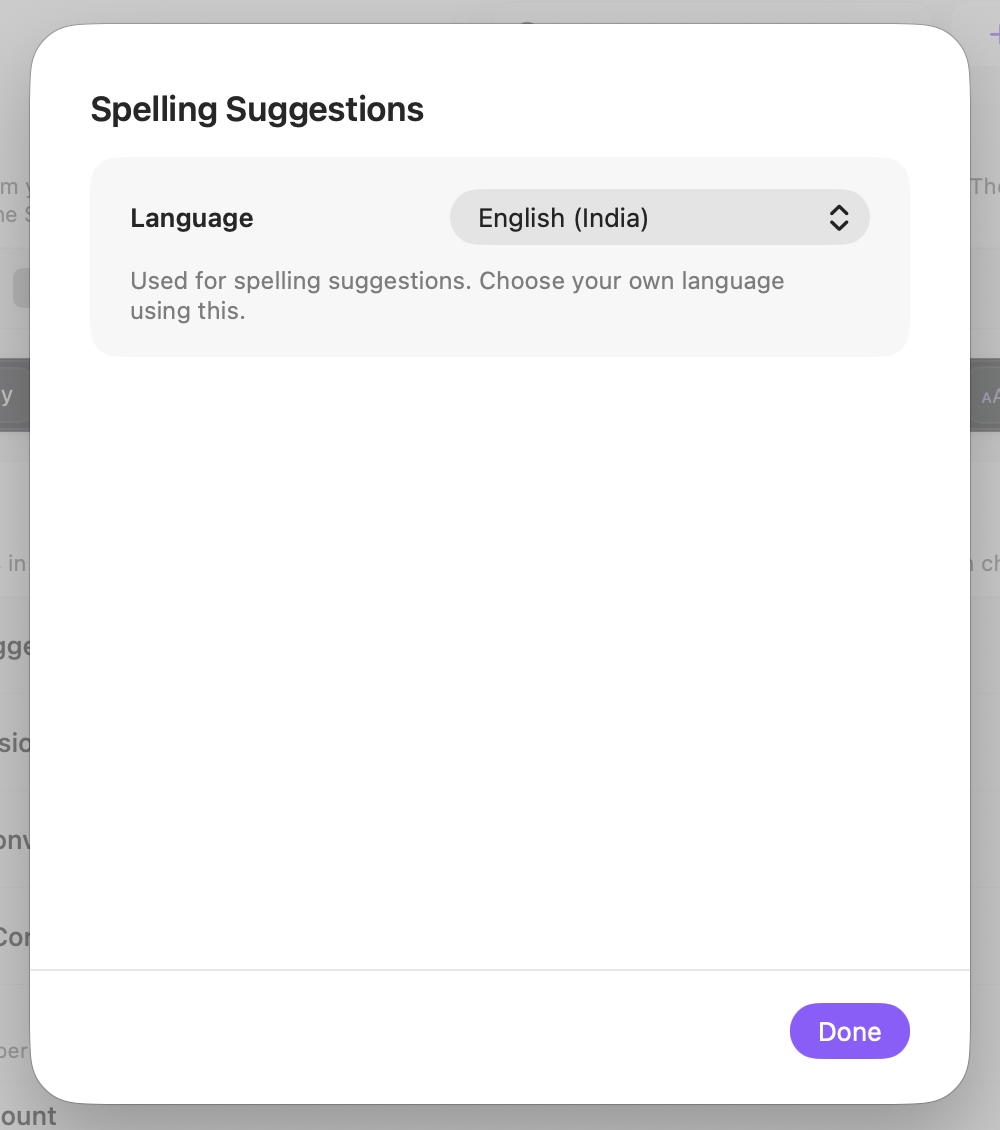
Language
Choose the macOS spelling language ActionClip should use for correction suggestions.
Changes are saved automatically.
You can also replace this action's icon from ActionClip → Actions. See change an action icon.
When ActionClip suggests it
The leading spelling suggestion appears for an editable selection of one word, 2–64 characters long, with letters and no spaces, when the macOS spell checker marks the whole word as misspelled.
Enabled actions remain available in your Actions list even when Smart Suggestions do not promote them for the current selection.
Requirements and privacy
- Works locally and does not require Online Actions.
- The selection must be one word containing letters, with apostrophes or hyphens allowed.
- ActionClip shows up to three suggestions.