
What Dictionary does
ActionClip uses the local macOS Dictionary integration, so no web search or external dictionary account is needed.
The in-app result separates the headword, pronunciation, parts of speech, meanings, examples, and reference notes, with controls to pronounce the word or read the complete entry aloud.
How to use it
- Select one word.
- Choose Dictionary from ActionClip.
- Read the definition in ActionClip's popup or in the Dictionary app, according to the action's Result setting.
- In the popup, use the speaker beside the word for pronunciation or the bottom playback control for the full entry.
Example
serendipity
The matching local definition
Settings
Open the action's settings from:
ActionClip Settings → Actions → Dictionary → gear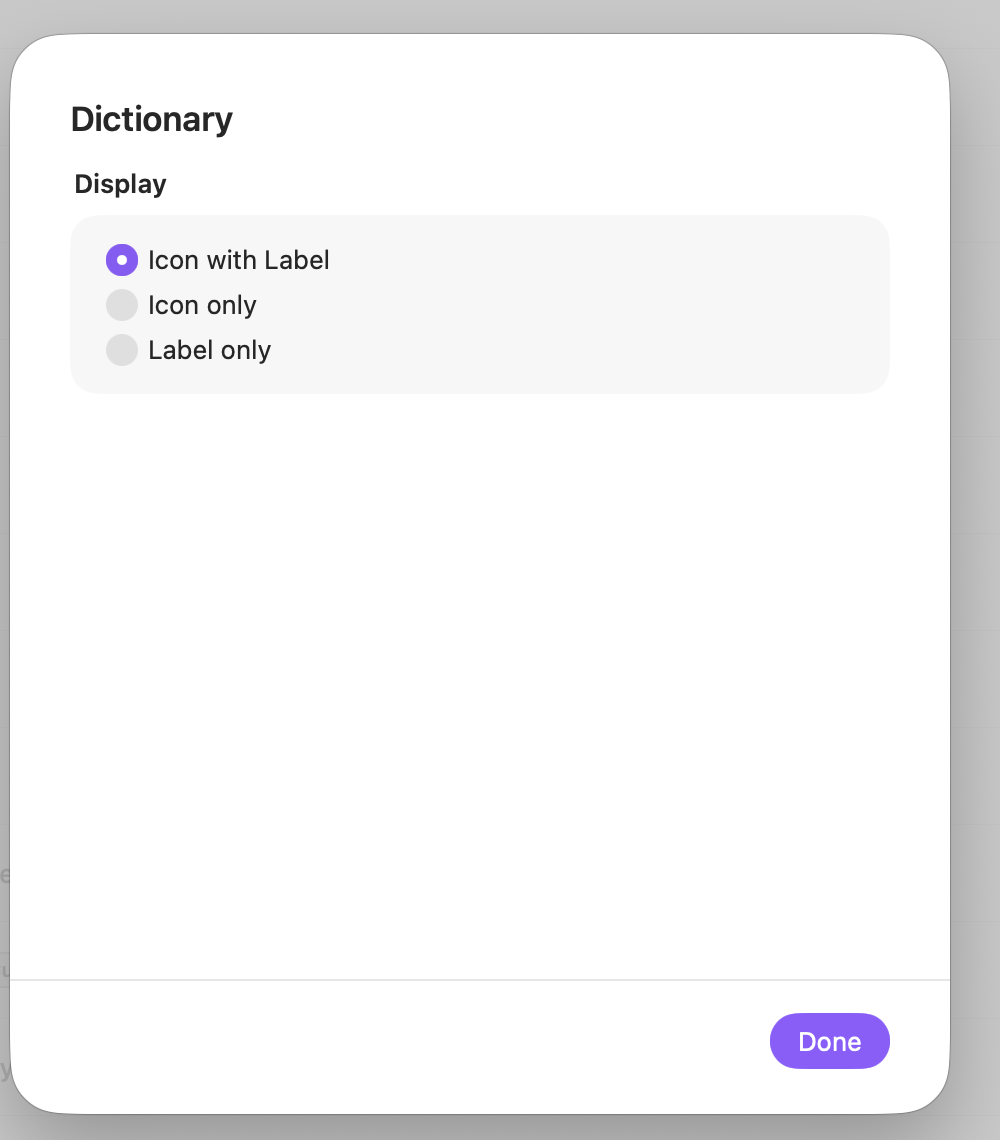
Result
Choose whether to read the local definition in ActionClip or continue in Apple's Dictionary app.
Display
Choose how this action appears in the floating widget. This changes only its presentation, not what it does.
Changes are saved automatically.
You can also replace this action's icon from ActionClip → Actions. See change an action icon.
When ActionClip suggests it
Dictionary is promoted when the selection contains one word after punctuation is trimmed.
Enabled actions remain available in your Actions list even when Smart Suggestions do not promote them for the current selection.
Requirements and privacy
- Works locally and does not require Online Actions.
- The selection must contain letters or marks, with an apostrophe or hyphen allowed.
- Definitions depend on dictionaries installed in macOS.