
What Add Contact does
Google Contacts opens a browser draft. Apple Contacts creates a native contact, requests permission on first use, and reveals the saved entry.
How to use it
- Select an email address, optionally with the person's name.
- Choose Add Contact.
- Review the Google Contacts draft or the new Apple Contacts entry.
Example
Maya Chen — [email protected]
Maya Chen Work email: [email protected]
Settings
Open the action's settings from:
ActionClip Settings → Actions → Add Contact → gear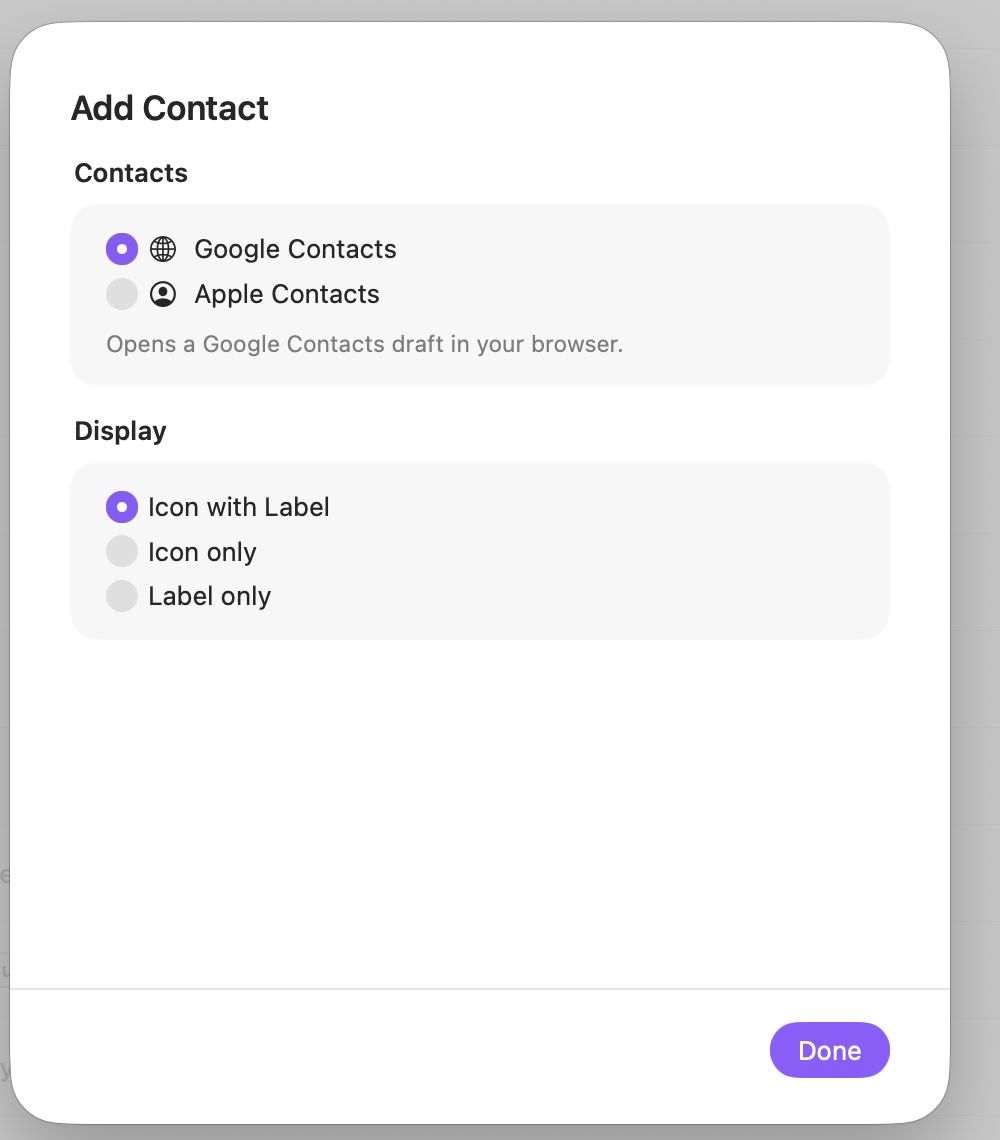
Contacts
Choose where ActionClip creates the contact.
Display
Choose how this action appears in the floating widget. This changes only its presentation, not what it does.
Changes are saved automatically.
You can also replace this action's icon from ActionClip → Actions. See change an action icon.
When ActionClip suggests it
Add Contact is promoted when the selection contains an email address matching ActionClip's email detector.
Enabled actions remain available in your Actions list even when Smart Suggestions do not promote them for the current selection.
Requirements and privacy
- Google Contacts requires Online Actions and opens a browser draft.
- Apple Contacts works locally and requests Contacts access on first use.
- Only the first detected email address is used.