
Best forEmpty editable fields
ResultPastes clipboard content
InternetNot required
What Paste does
Paste is part of ActionClip's paste mode. That mode keeps the widget focused on clipboard actions instead of showing the normal selected-text action set.
How to use it
- Copy the text or content you want to paste.
- Long-press for about 0.4 seconds in an empty editable field, or double-click an editable field when there is no real selection.
- Choose Paste from the paste widget.
Example
Clipboard
Tomorrow at 10:00 AM
Inserted text
Tomorrow at 10:00 AM
Settings
Open the action's settings from:
ActionClip Settings → Actions → Paste → gear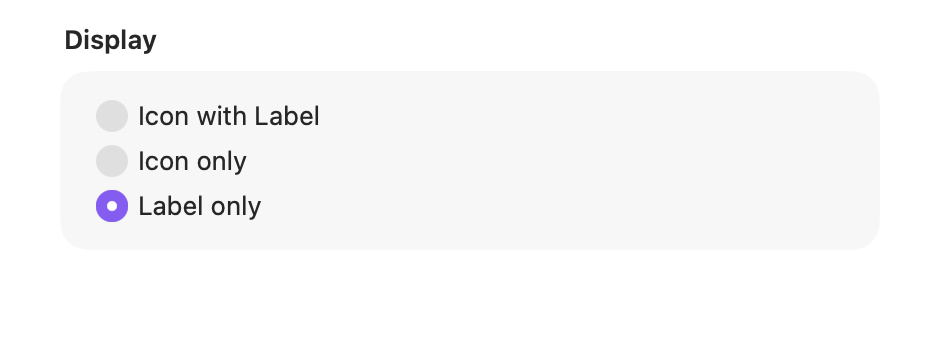
Display
Choose how this action appears in the floating widget. This changes only its presentation, not what it does.
Changes are saved automatically.
You can also replace this action's icon from ActionClip → Actions. See change an action icon.
When ActionClip suggests it
Paste appears only in paste mode, including paste suggestions and the long-press paste flow.
Enabled actions remain available in your Actions list even when Smart Suggestions do not promote them for the current selection.
Requirements and privacy
- Works locally and does not require Online Actions.
- The destination must be an editable, non-secure text field.
- ActionClip checks for a real selection before it opens the paste widget.