
What Sentence case does
It is designed for pasted all-caps text, rough notes, and paragraphs with inconsistent capitalization.
How to use it
- Select the text you want to use in any supported Mac app.
- Choose Sentence case from the ActionClip widget or its More menu.
- Review the result, or continue in the destination app when the action opens one.
Example
PROJECT UPDATE. DESIGN IS READY.
Project update. Design is ready.
Settings
Open the action's settings from:
ActionClip Settings → Actions → Sentence case → gear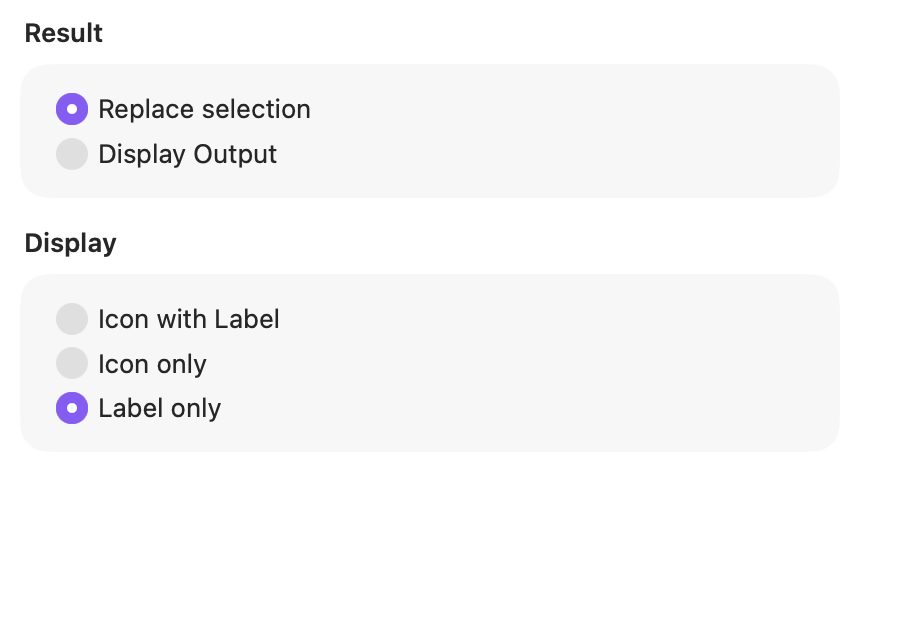
Result
Choose whether ActionClip changes editable selected text immediately or shows the transformed text as output.
Display
Choose how this action appears in the floating widget. This changes only its presentation, not what it does.
Changes are saved automatically.
You can also replace this action's icon from ActionClip → Actions. See change an action icon.
When ActionClip suggests it
Sentence case is promoted with editable text-transform suggestions and remains available whenever enabled.
Enabled actions remain available in your Actions list even when Smart Suggestions do not promote them for the current selection.
Requirements and privacy
- Works locally and does not require Online Actions.
- Each sentence and line receives an initial capital.
- Read-only text opens as output instead of being replaced.